Measurement features
Reference measurements
Reference lines are guides with no value attached. Draw them on a page to show exactly where a measurement starts and stops, so whoever takes it measures the same thing you did.
Available on
- iPhone
- iPhone Duo
- iPad
- Android
- Tailor Shop feature
A reference line is drawn the same way a custom measurement is, but it holds nothing: no value, no label, no entry screen. It is there to be looked at. Use one to mark the waistline a sleeve is measured to, or the hem a length is taken from, so the next person to pick up the tape starts and stops where you meant. Reference measurements are part of the Tailor Shop subscription and, like custom measurements, they only work on a page you added yourself.
How do I draw a reference line?
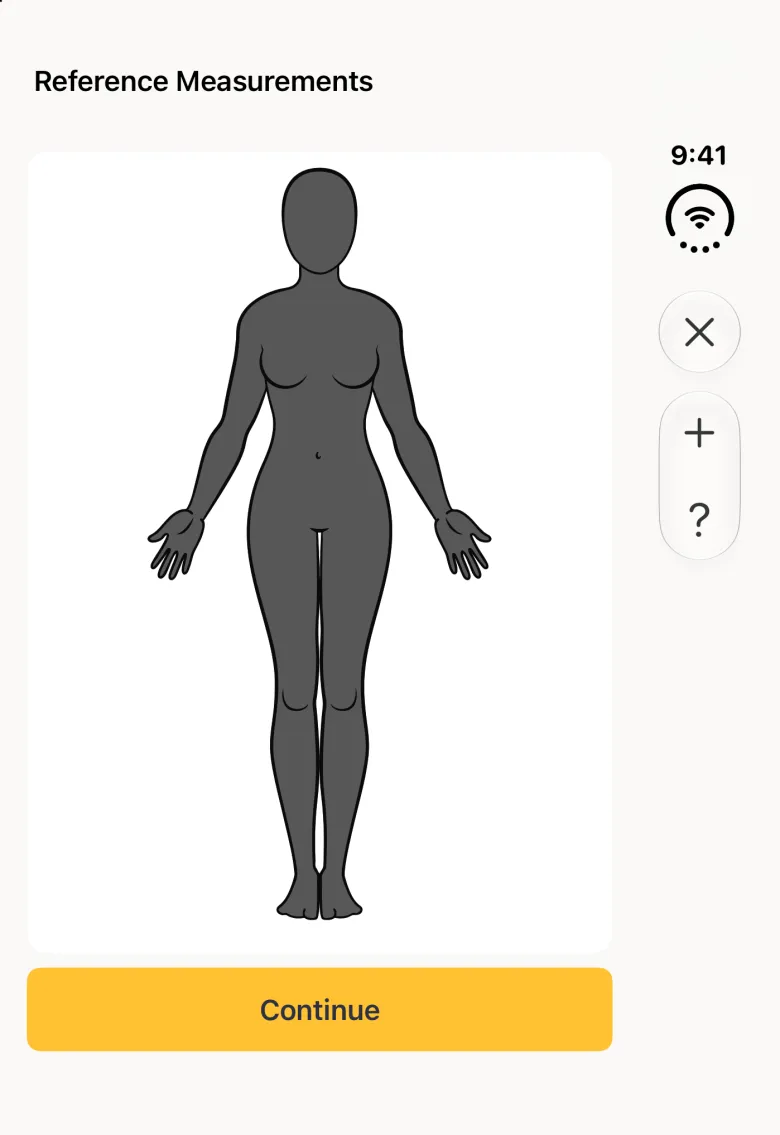
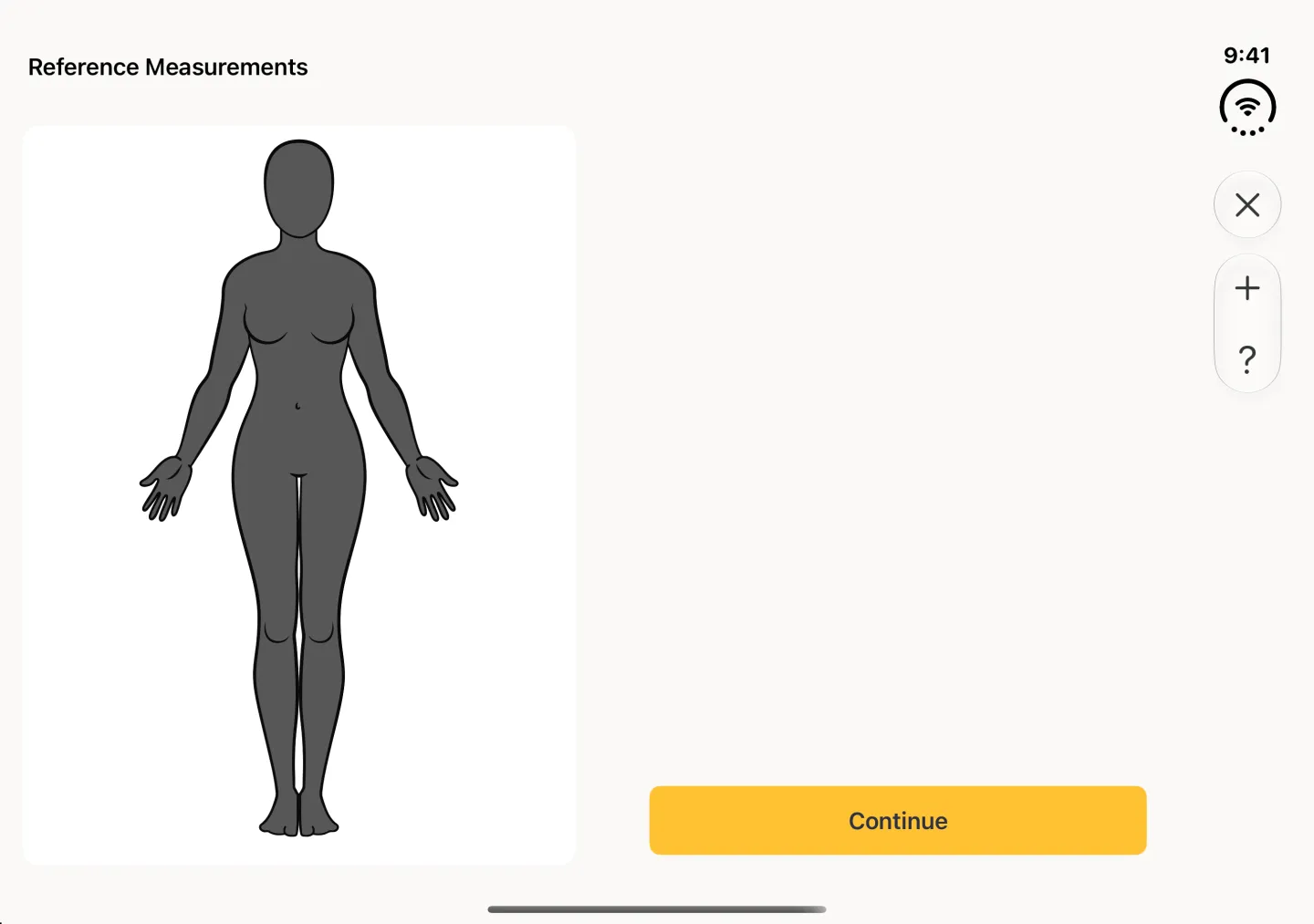
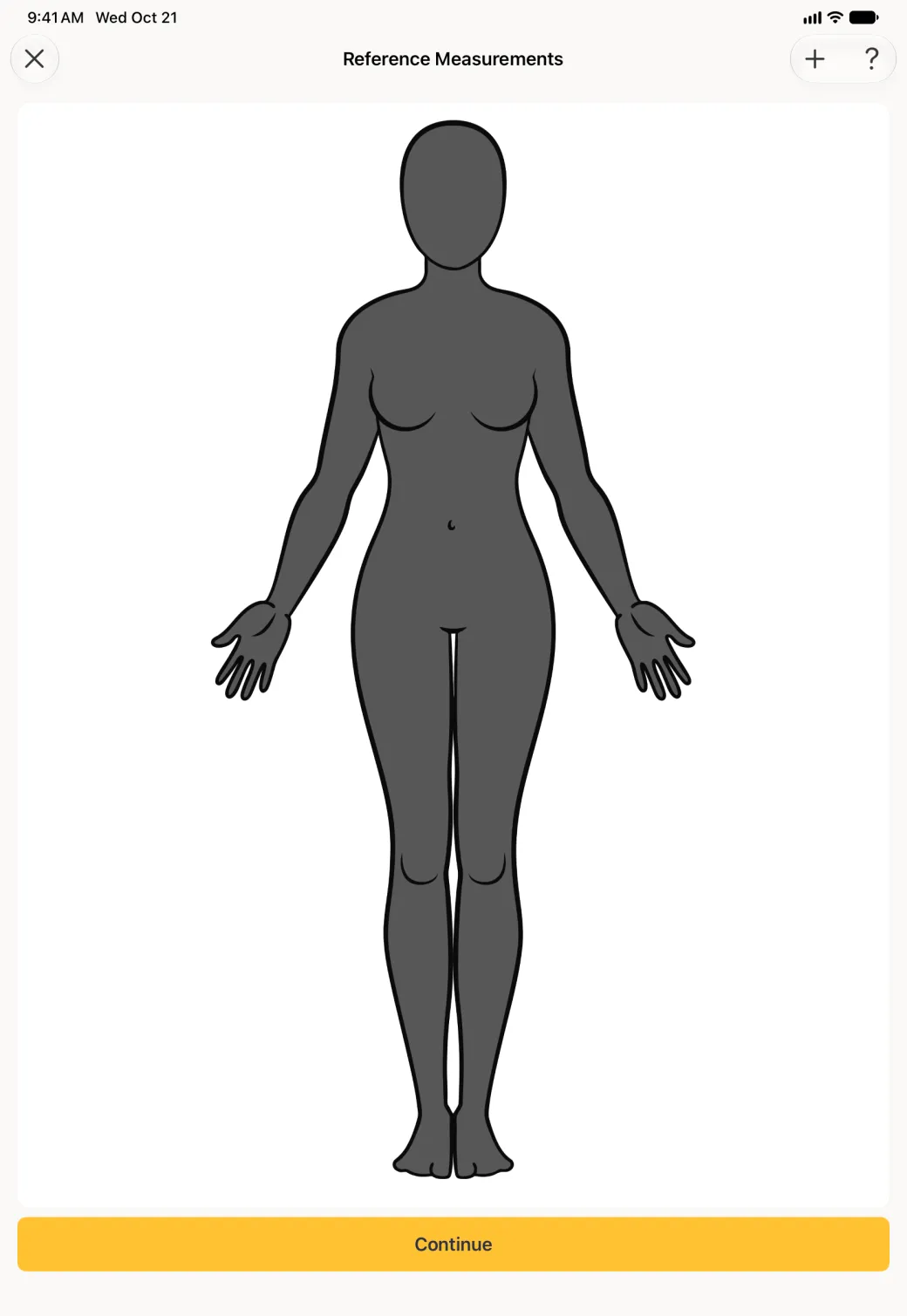
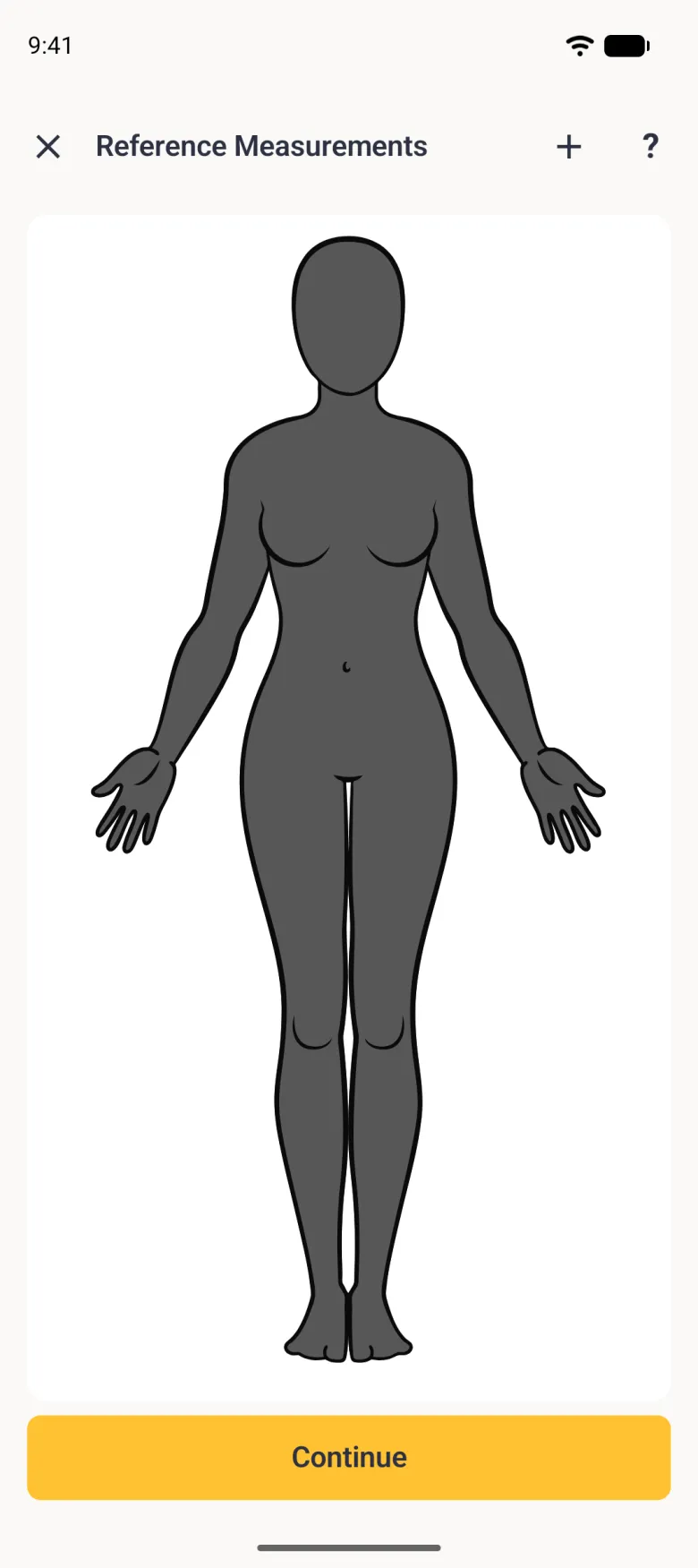
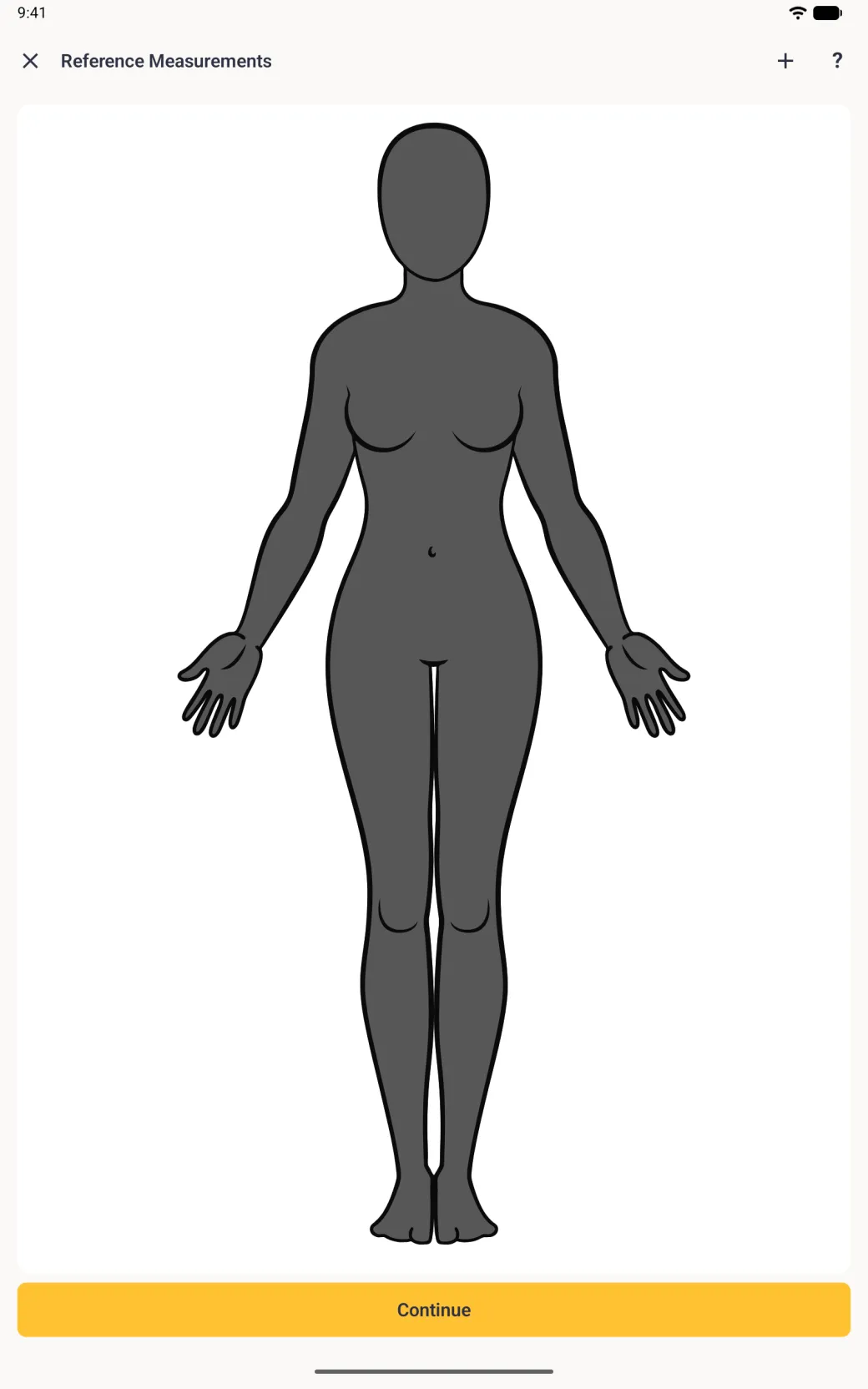
Open the page you want the guide on, then choose Reference Measurements from the options button (three sliders) at the top right, or the three-dot menu on Android. That menu item appears only on pages you created; a built-in page offers Page Settings instead. The editor works exactly like the custom measurement one, and the button at the bottom names the step you are on.
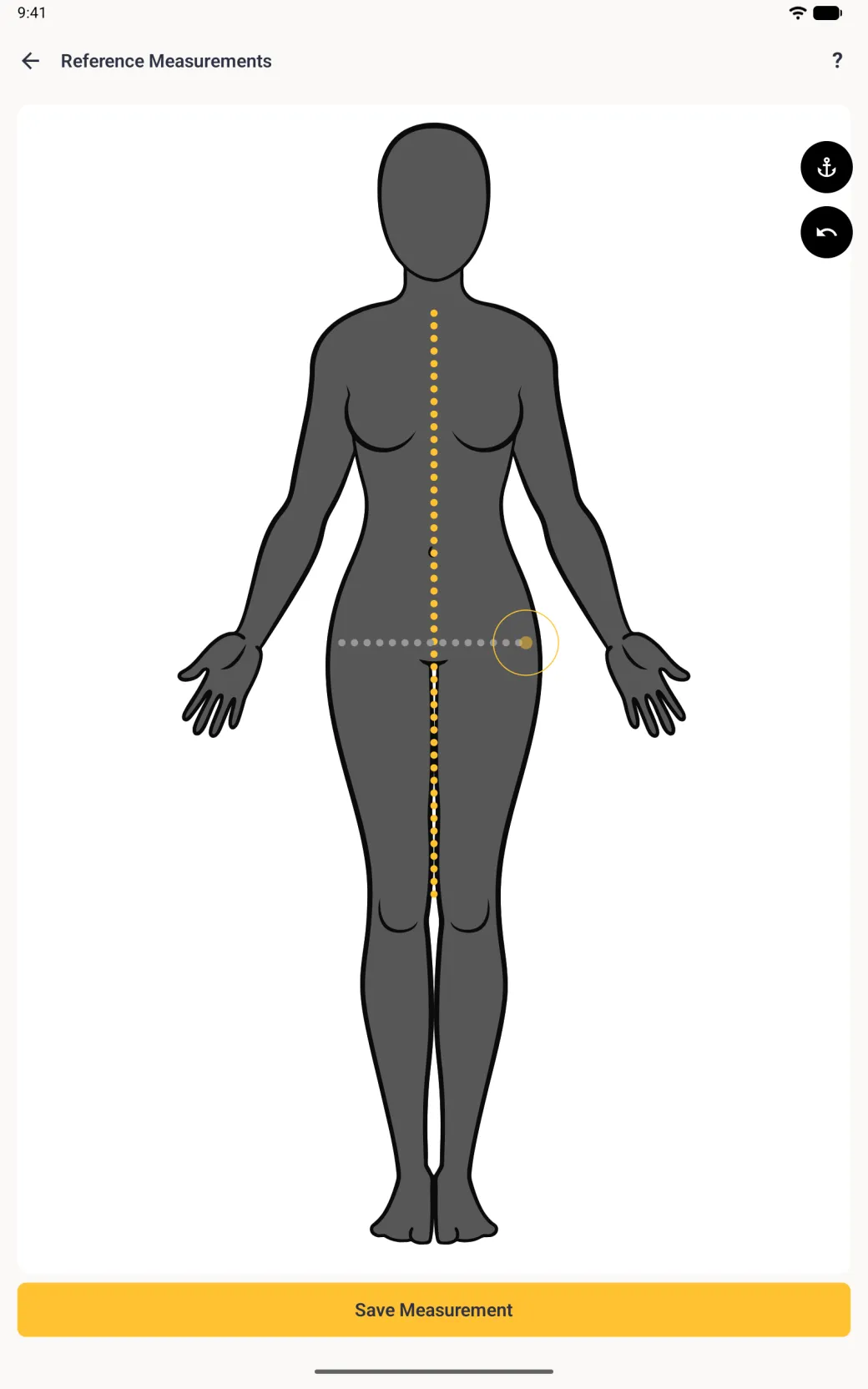
- Tap the plus button at the top right. A point appears on the body.
- Drag the point to where the guide should start, then tap Continue.
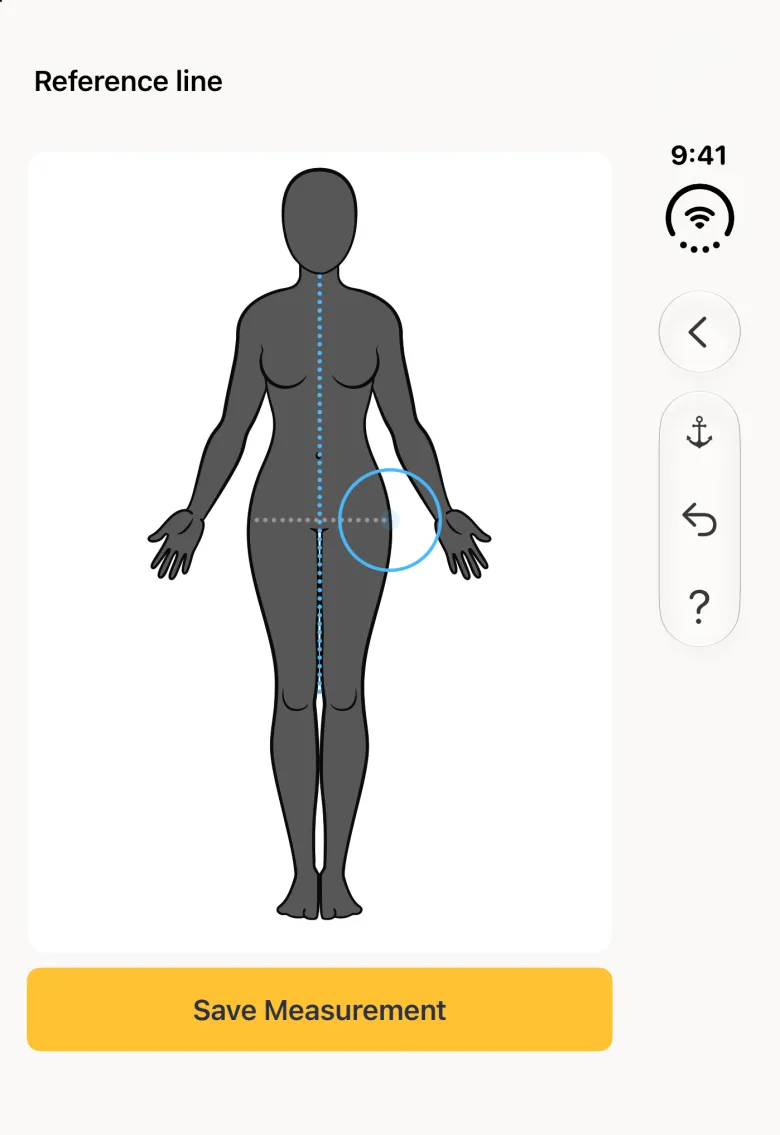
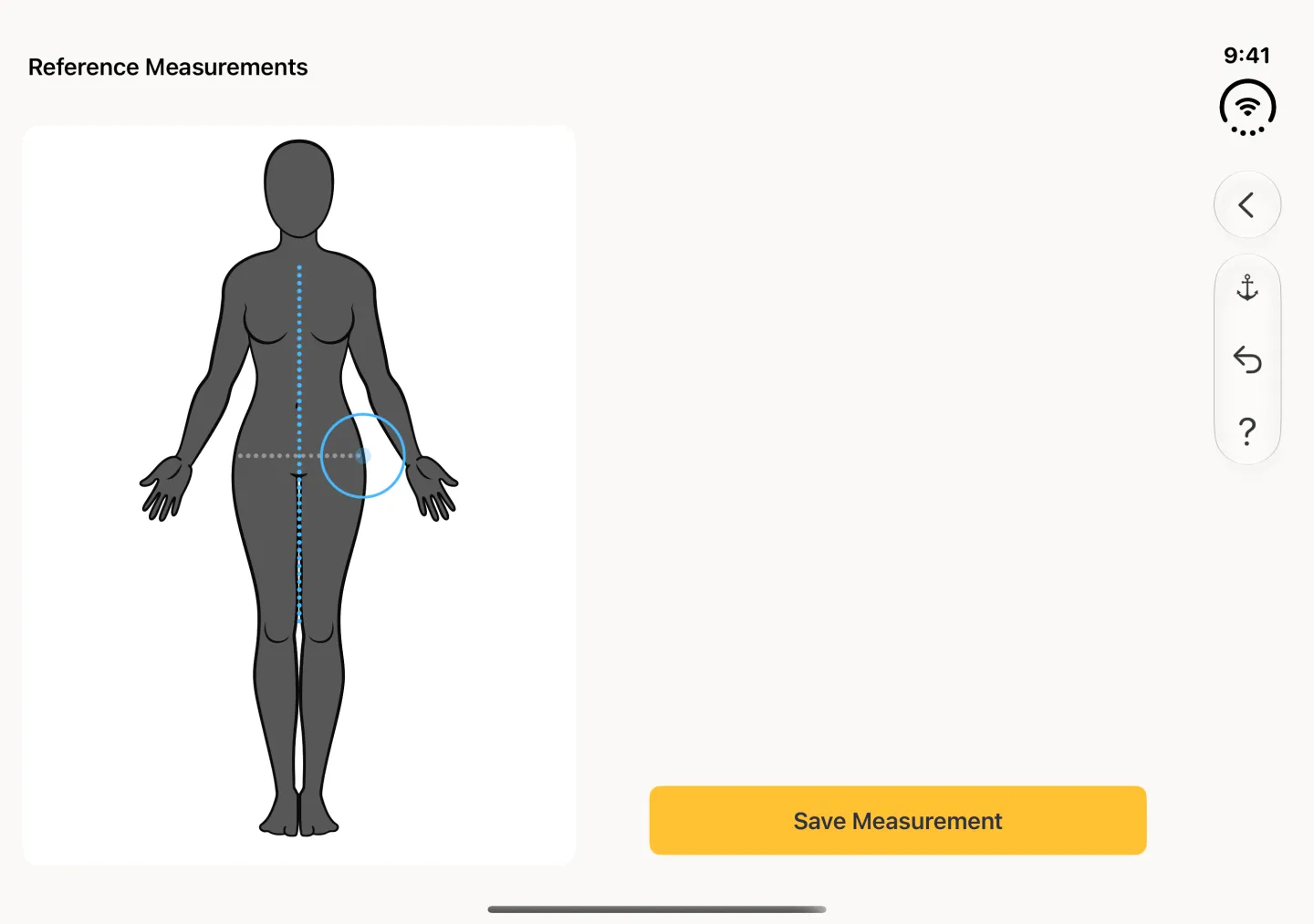
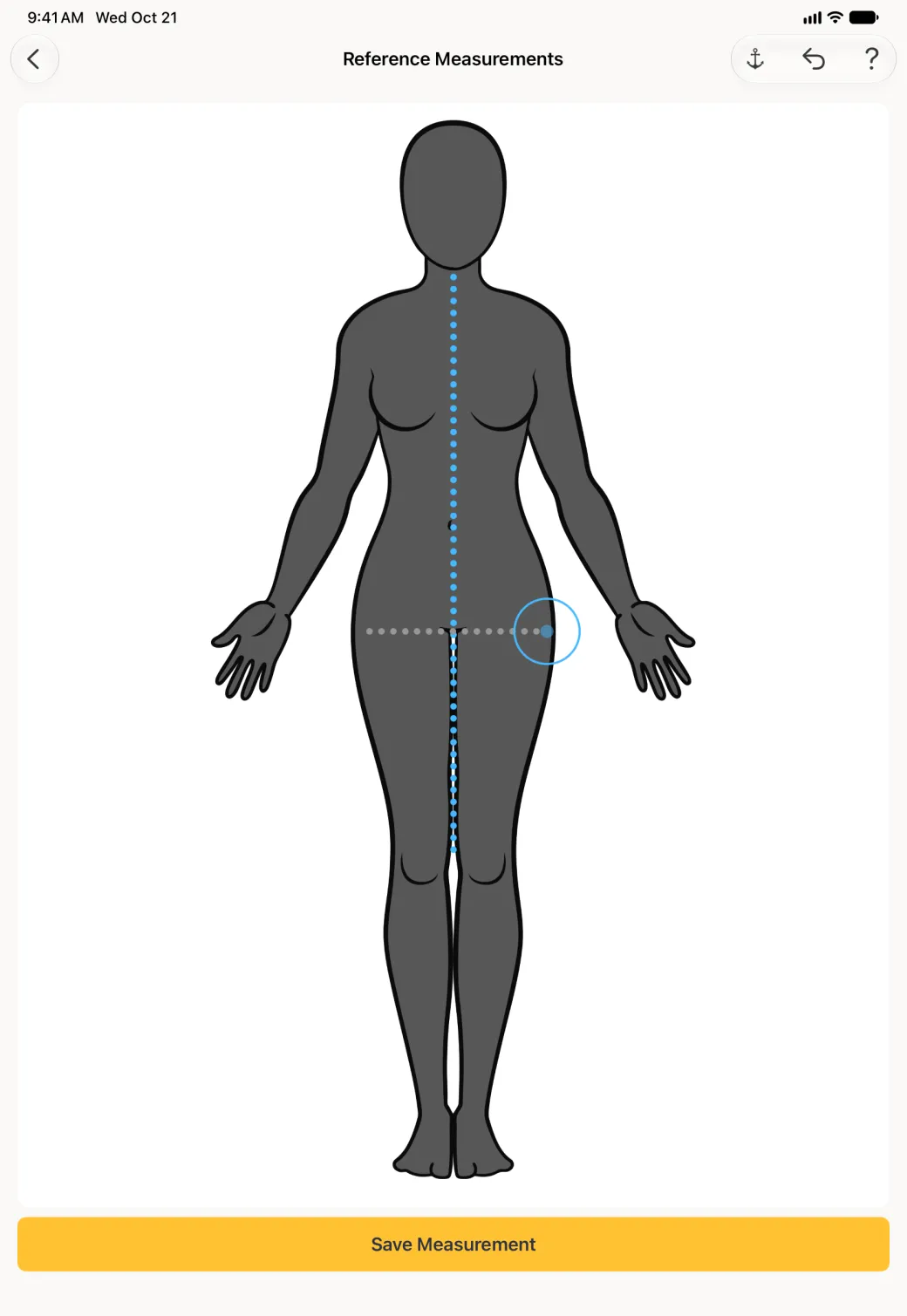
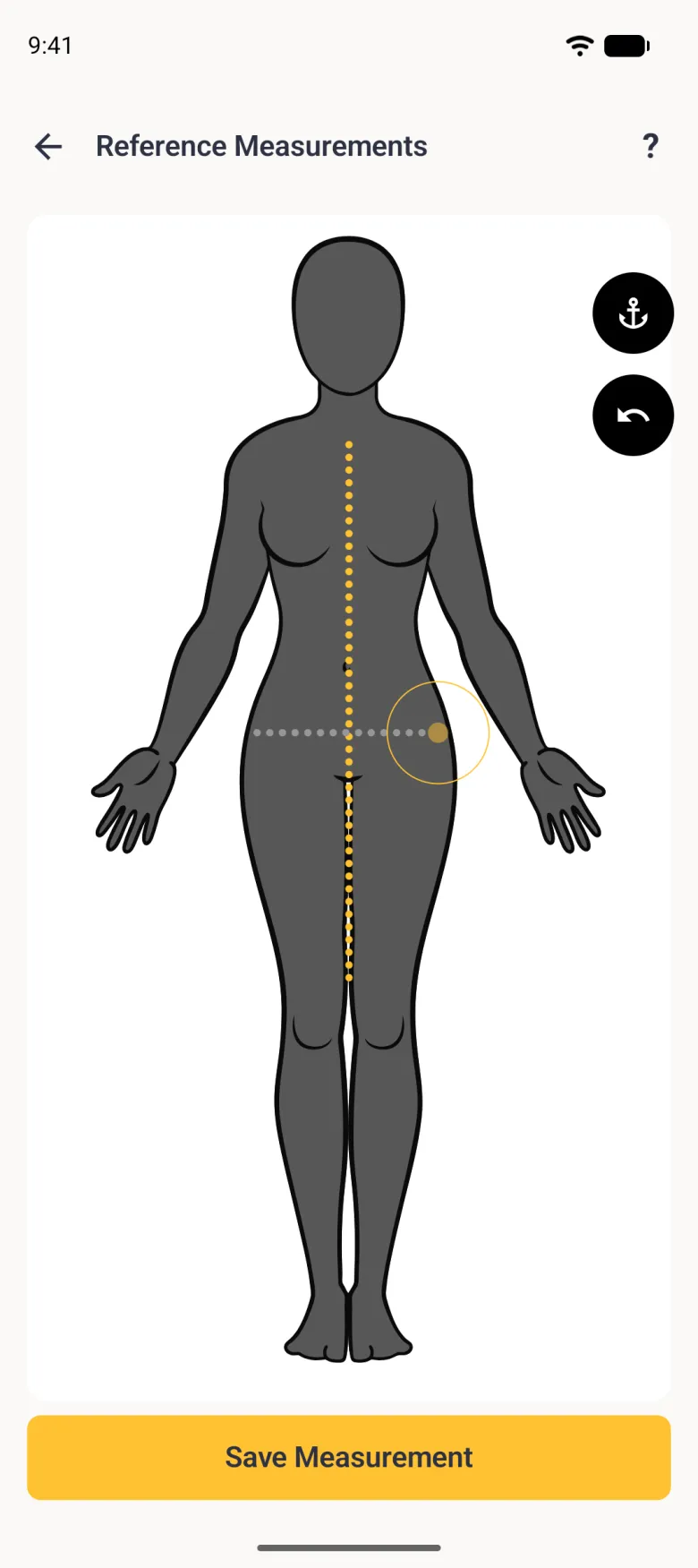
- Drag across the body to draw the line. A pale dotted line follows your finger.
- Tap Save Measurement. The editor offers a fresh point for another line: tap Back to drop it, then close the editor with the X.
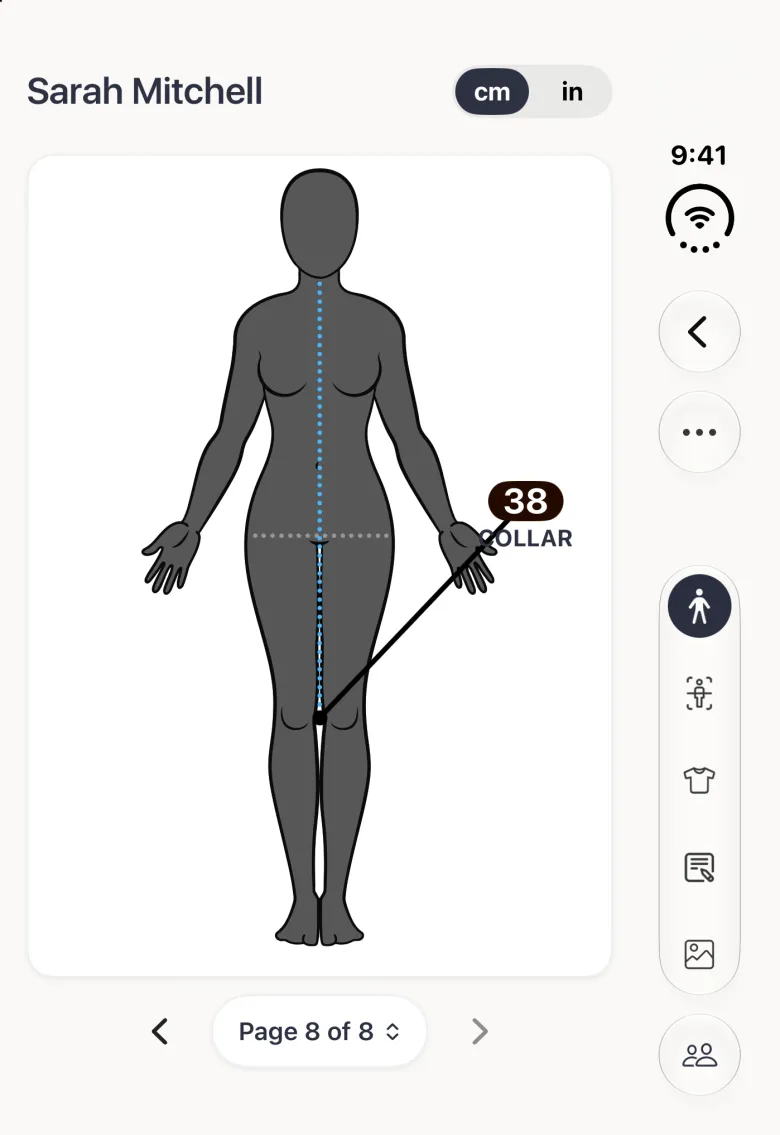
On iPhone Duo the editor’s close, plus and question mark buttons, and later Back, anchor and undo, sit in a strip on the right, opened or closed.
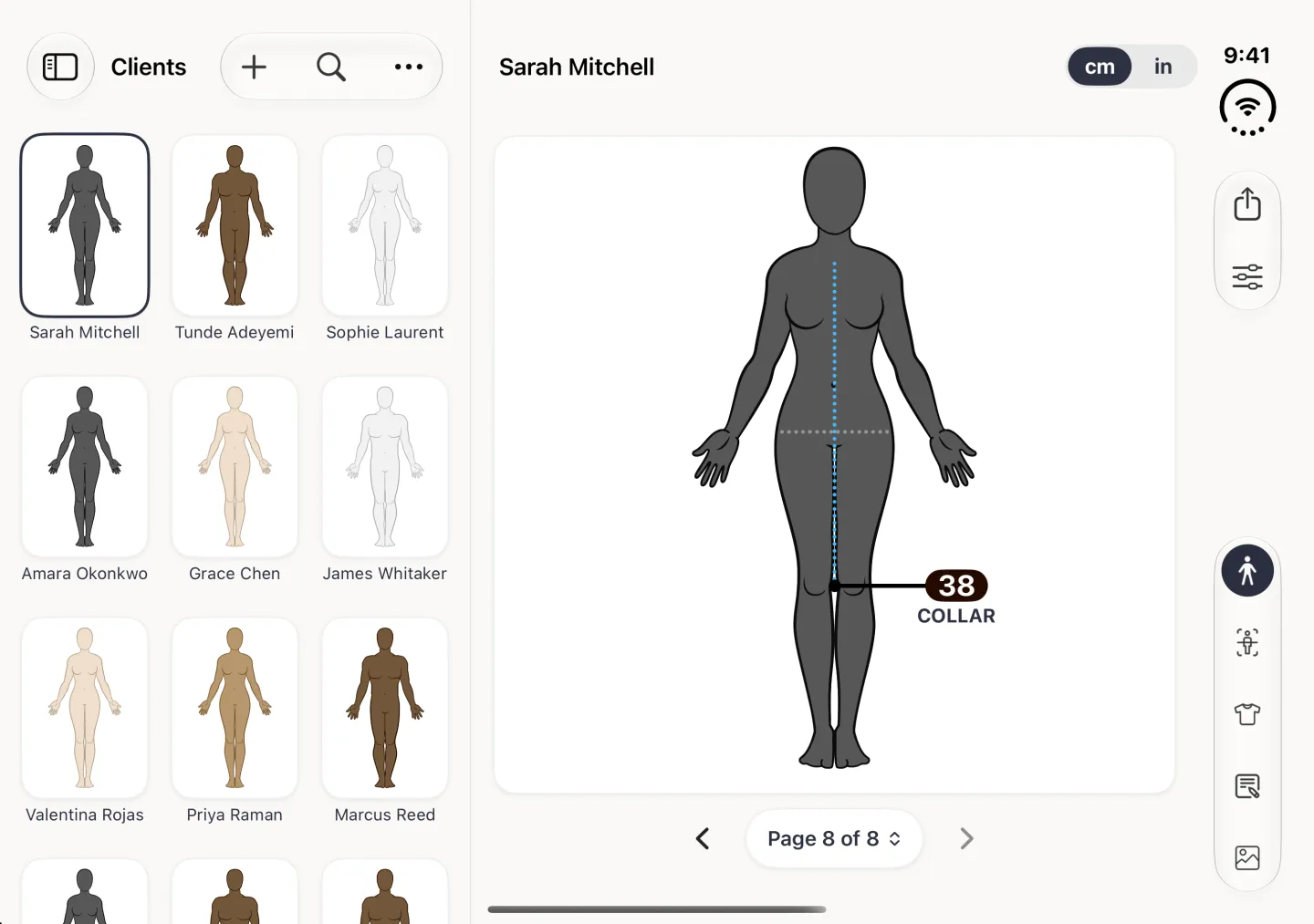
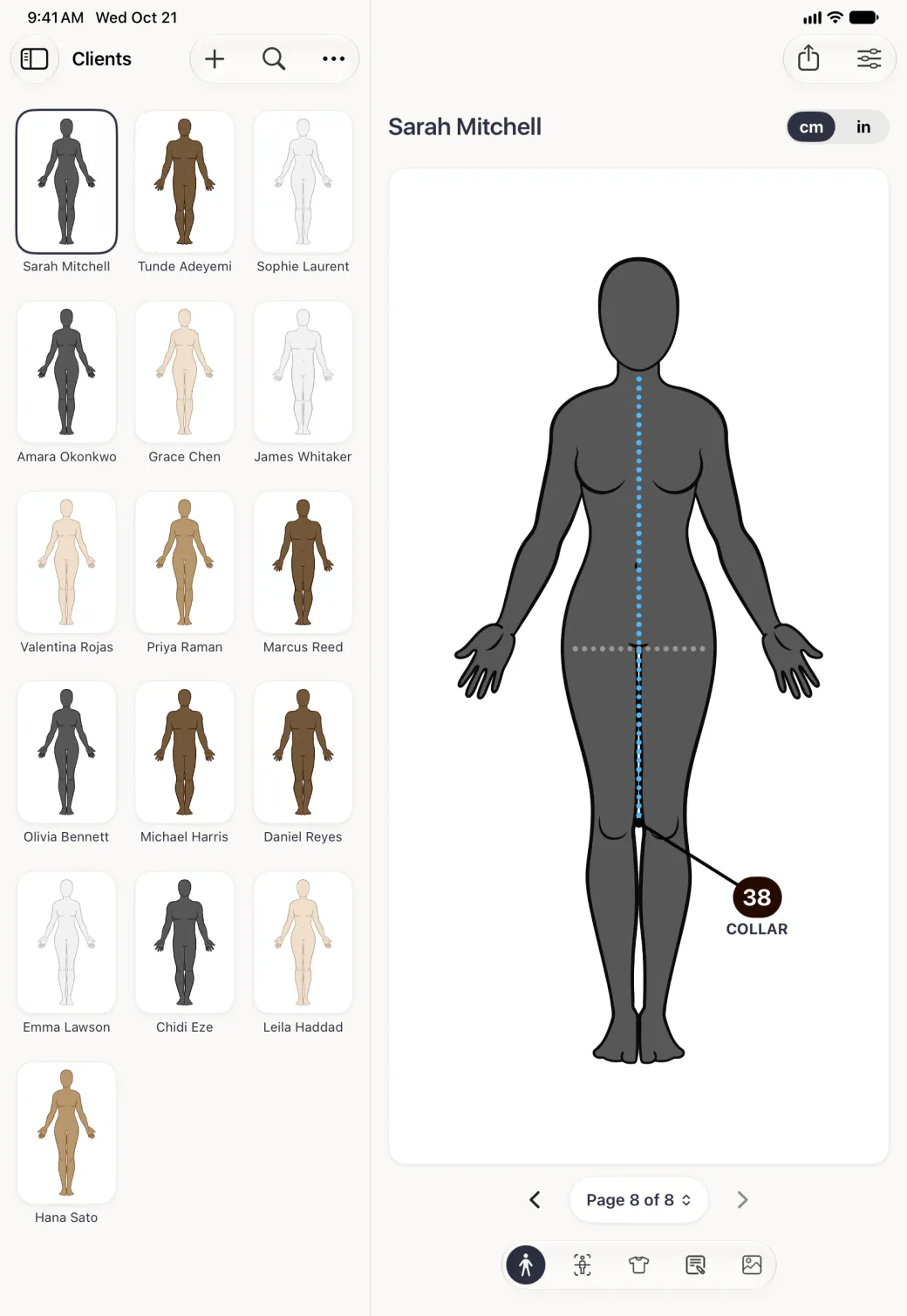
The guide then sits on the page underneath your real measurements, in pale grey with no label, so it reads as a guide rather than as something waiting to be filled in.



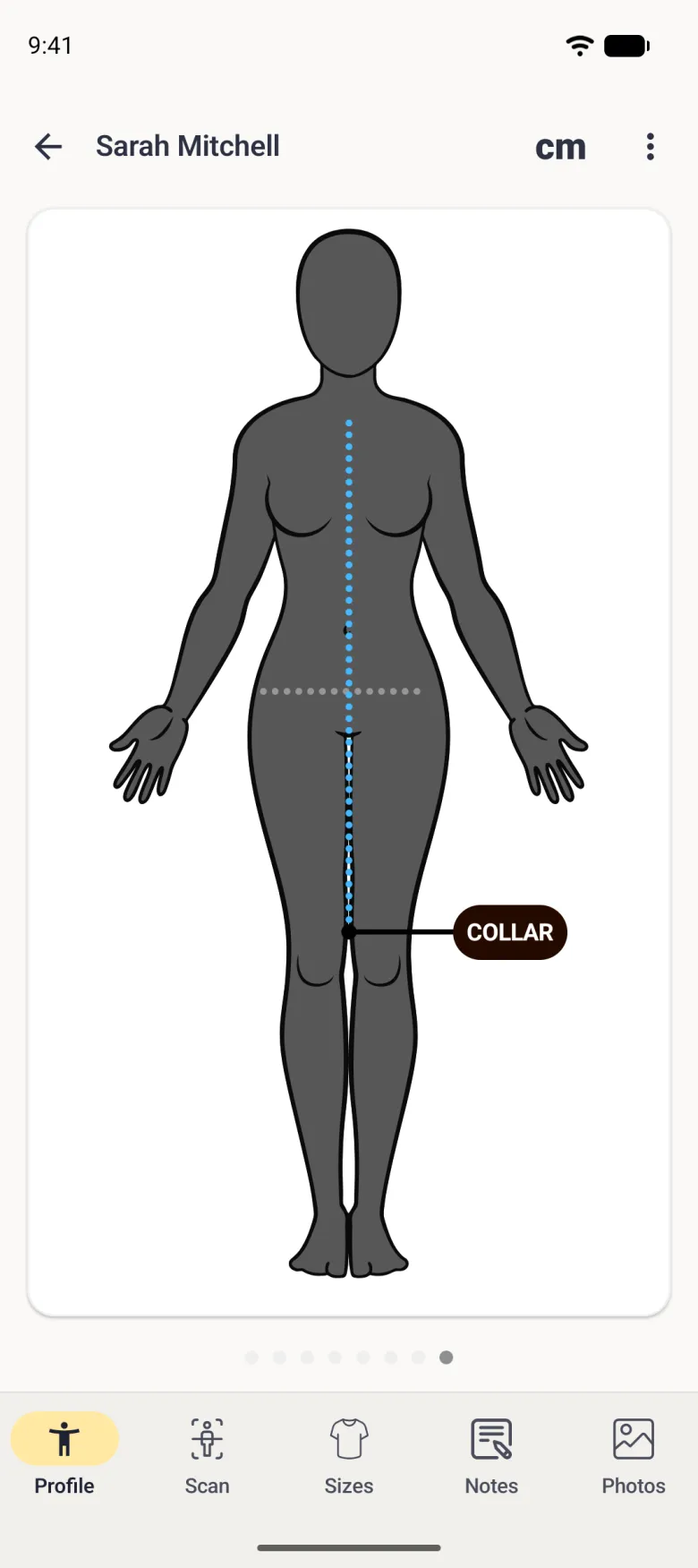
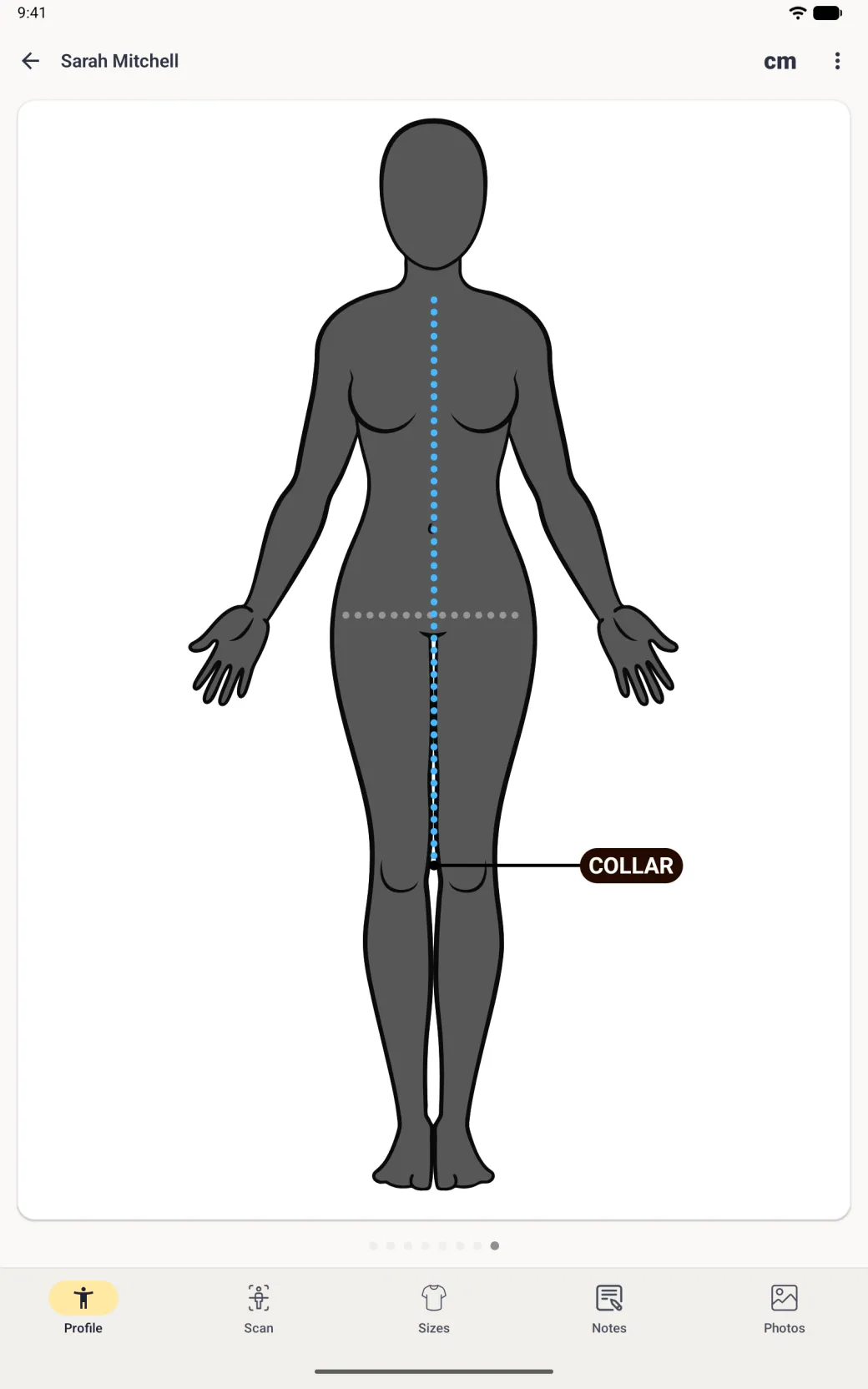
How is this different from a custom measurement?
A custom measurement is a measurement: it has a short name, a full name, instructions, an optional photo, a label on the body and a value you enter. A reference line has none of that. There is no entry screen behind it and no number to record.
That is the point of it. Anything you want a number for should be a custom measurement. Anything you only want people to see should be a reference line.
How do I delete a reference line?
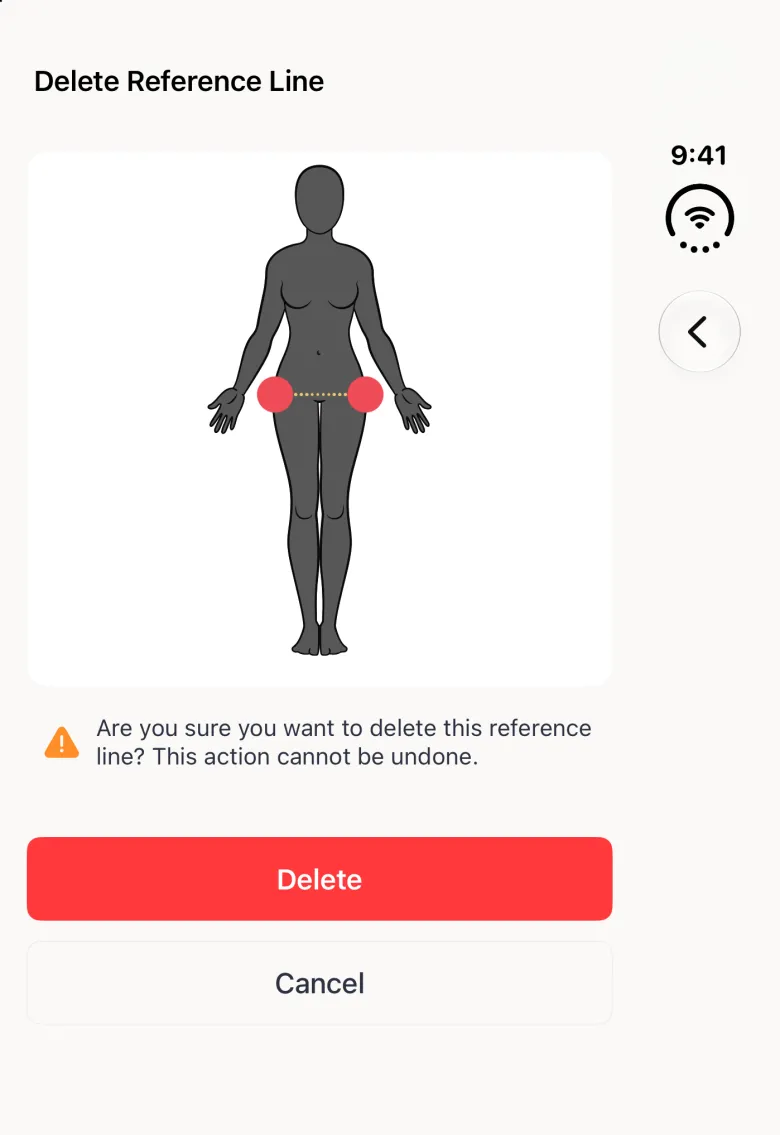
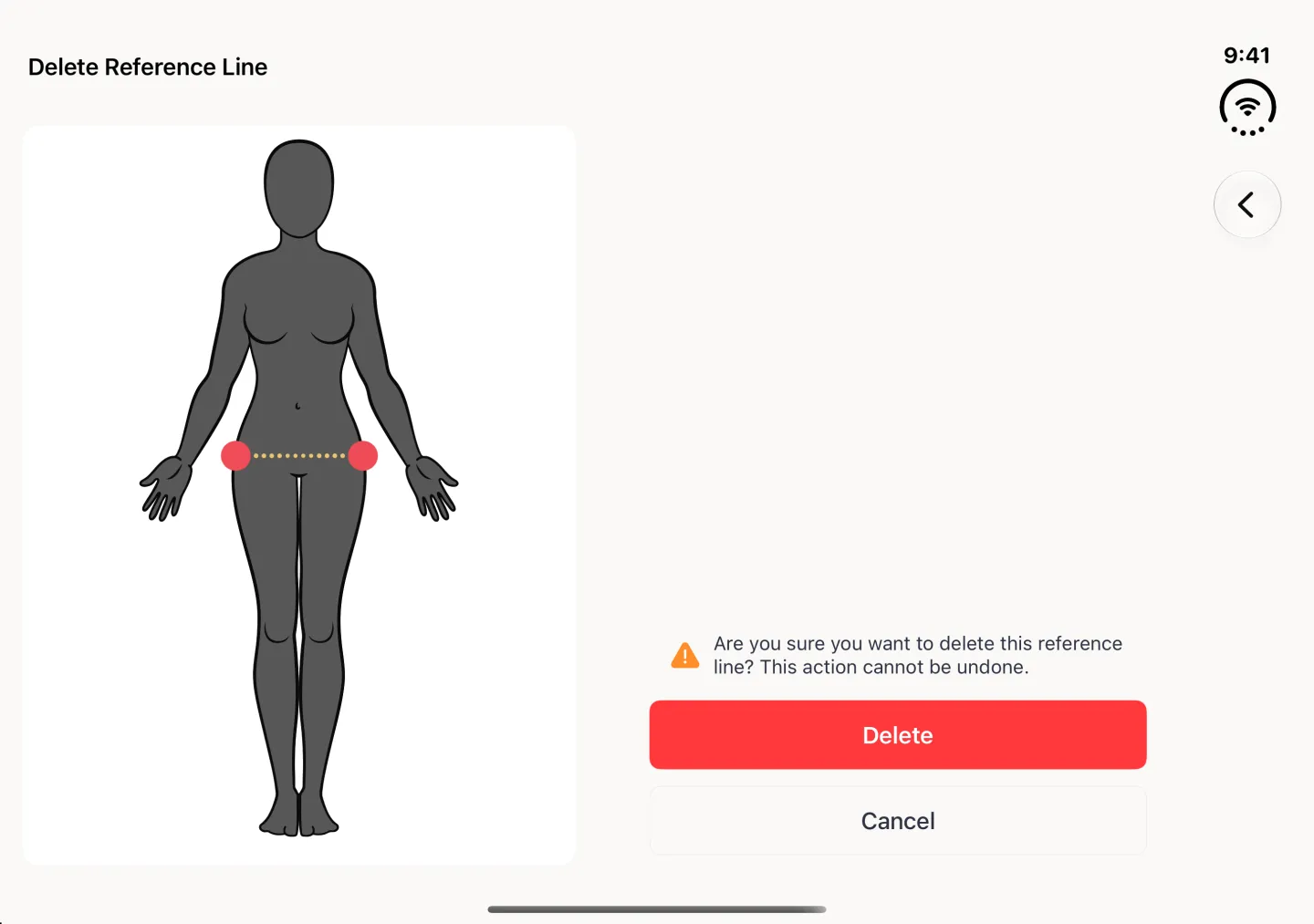
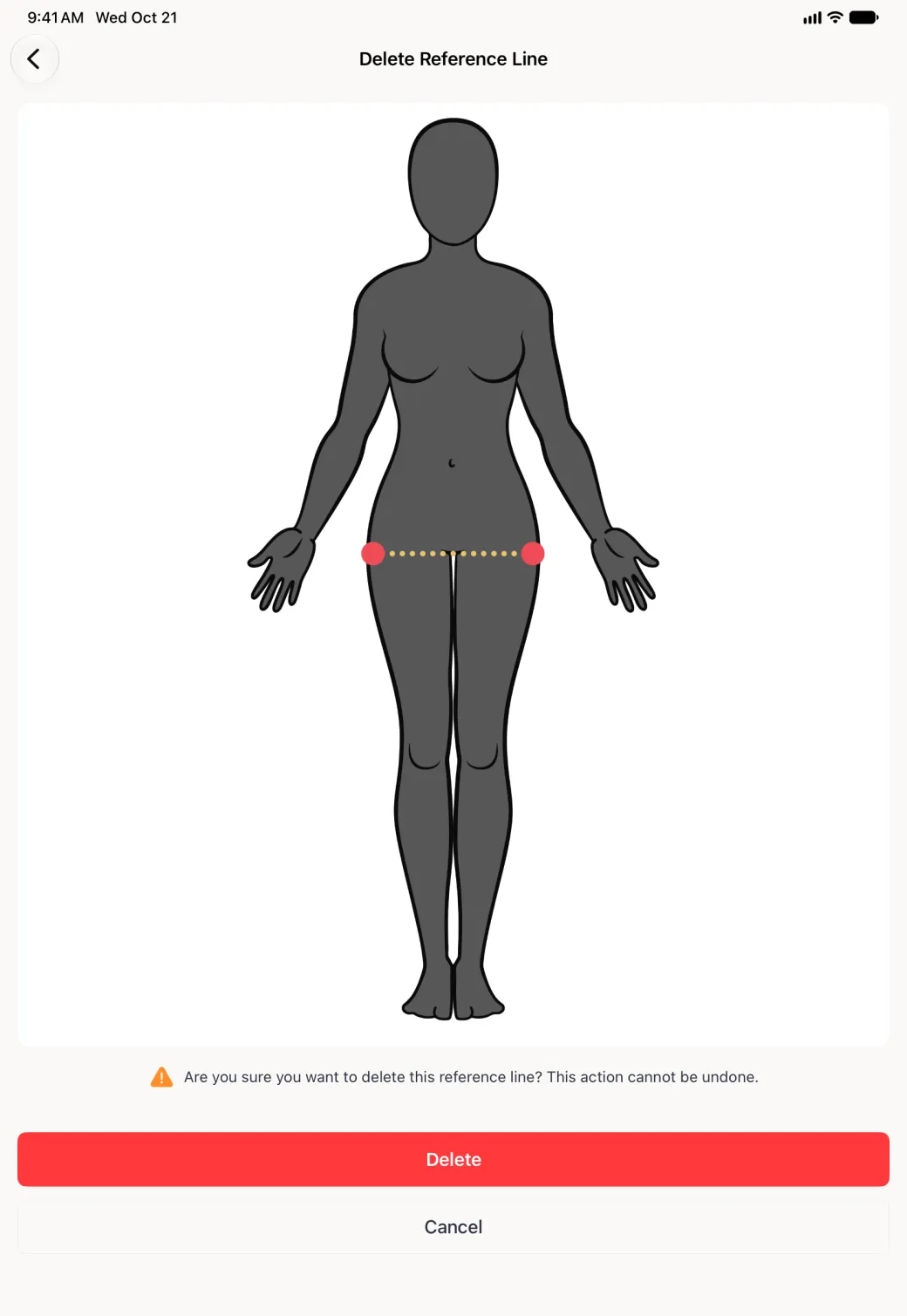
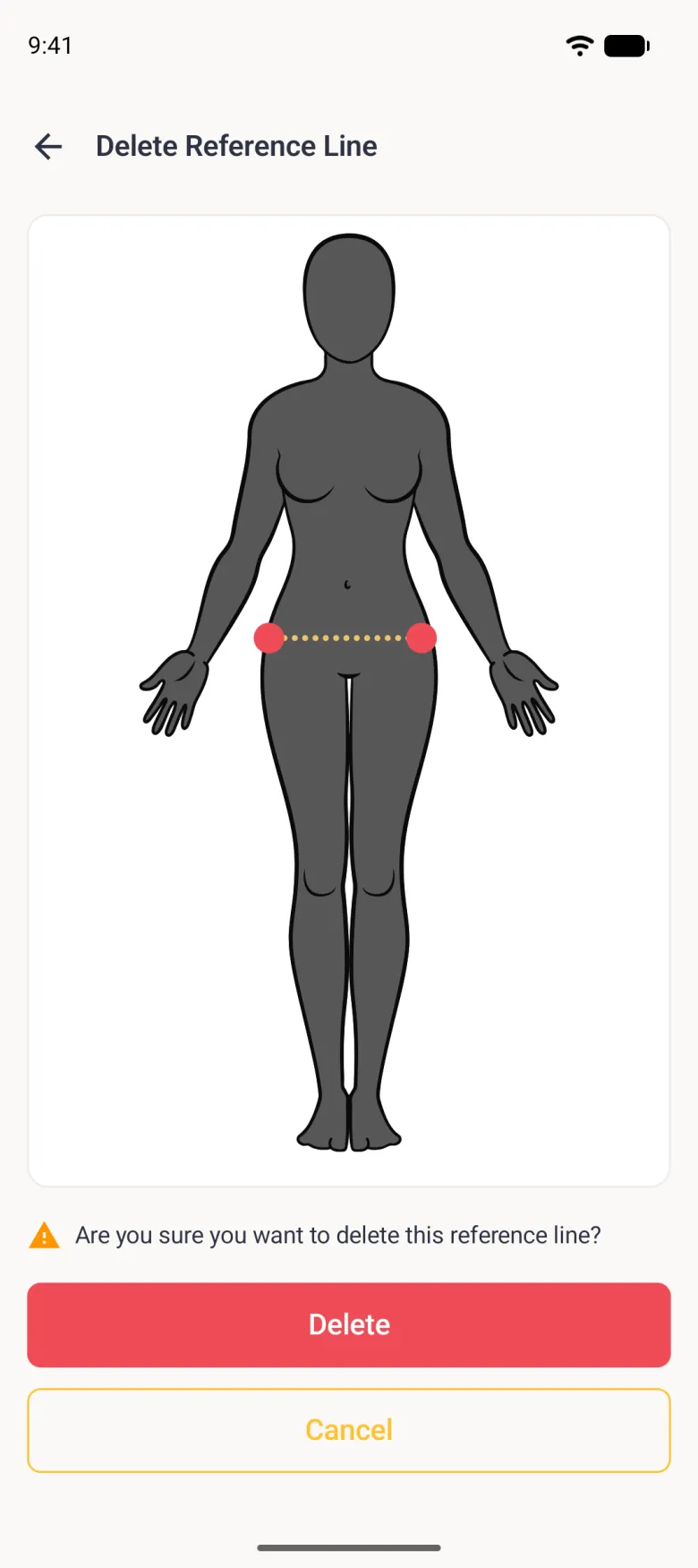
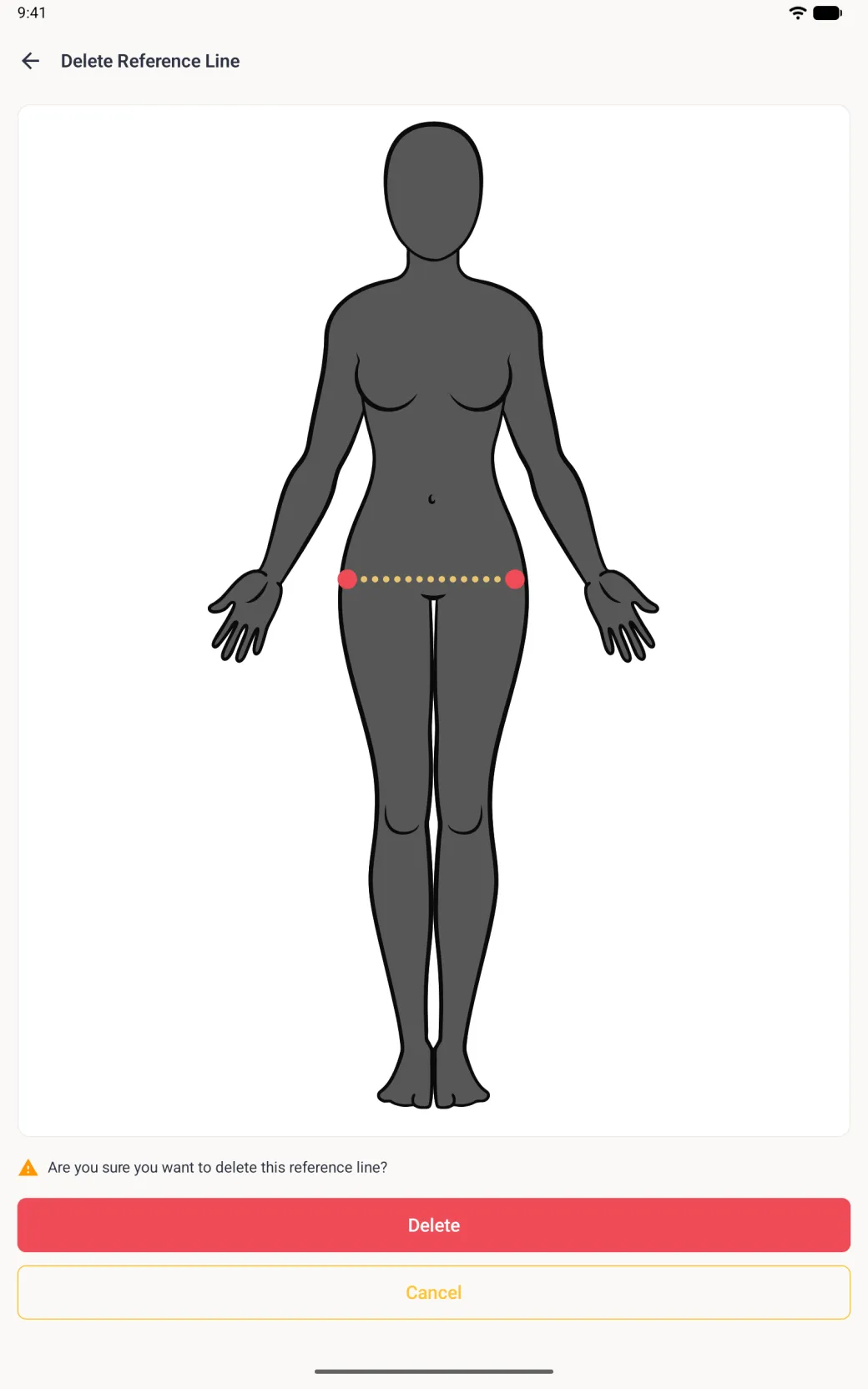
In Reference Measurements, tap the end of the line to select it. It turns gold and a trash button appears at the top right in place of the plus. Tap the trash button and the Delete Reference Line screen opens, showing the line in gold with its endpoints in red so you can check you picked the right one before confirming. Pressing and holding a selected line opens the same screen if that is quicker for you.
Deleting a guide leaves every real measurement on the page untouched.